A building club works when everyone has a practical role for most of the session, when the build fits the time, and when the parts don't turn into a pile on the floor. This guide covers how we would set one up: group sizes, timings, parts, and which builds to pick for each experience level.
Group size and roles
Start with pairs or groups of three. Adjust the group size to the available parts and screens. Give each participant a job and swap jobs every session:
- Builder: puts the parts together.
- Finder: reads the step and finds the next parts.
- Tester: checks each step (a gentle wiggle: nothing should move) and runs the test at the end.
Roles stop one confident participant doing everything, and they make the finder's job (reading, counting holes, matching colours) a real learning task. The Blueprint Lab guide describes these roles, with sentence starters for each, plus timings for a full lesson.
A 60-minute session
- 5 minutes: the question. Show the finished model or its animation and ask one question. "Why does this crane not fall back down when you let go?"
- 35 minutes: build. Groups follow the printed booklet or the animated steps on one shared screen.
- 10 minutes: test. Every group runs the same simple test and writes down one result.
- 10 minutes: share and tidy. Each group says what they found. Parts go back in the tray before anyone leaves.
For a shorter introductory session, make it 45 minutes: a 25-minute build and a shorter test.
Choosing builds by experience and time
Each build page shows a level from 1 to 5, the minutes it takes and the number of steps. As a rule of thumb:
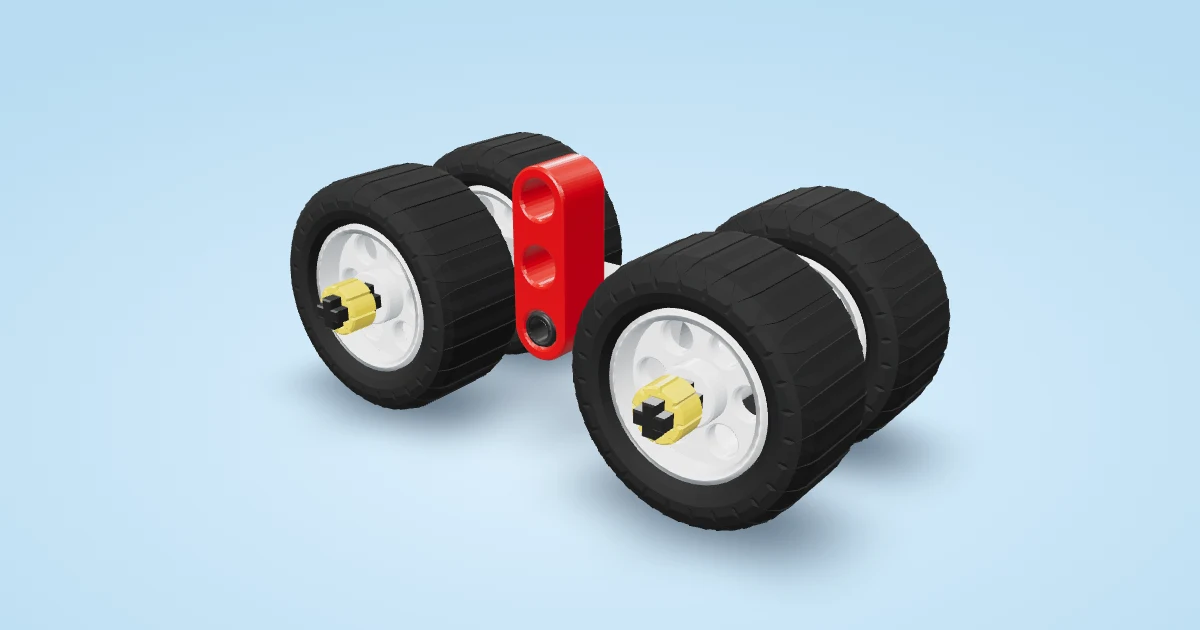
- Getting started: level 1 and 2, under 20 minutes. Tiny Roller is the perfect first session. The easy first builds list has more.
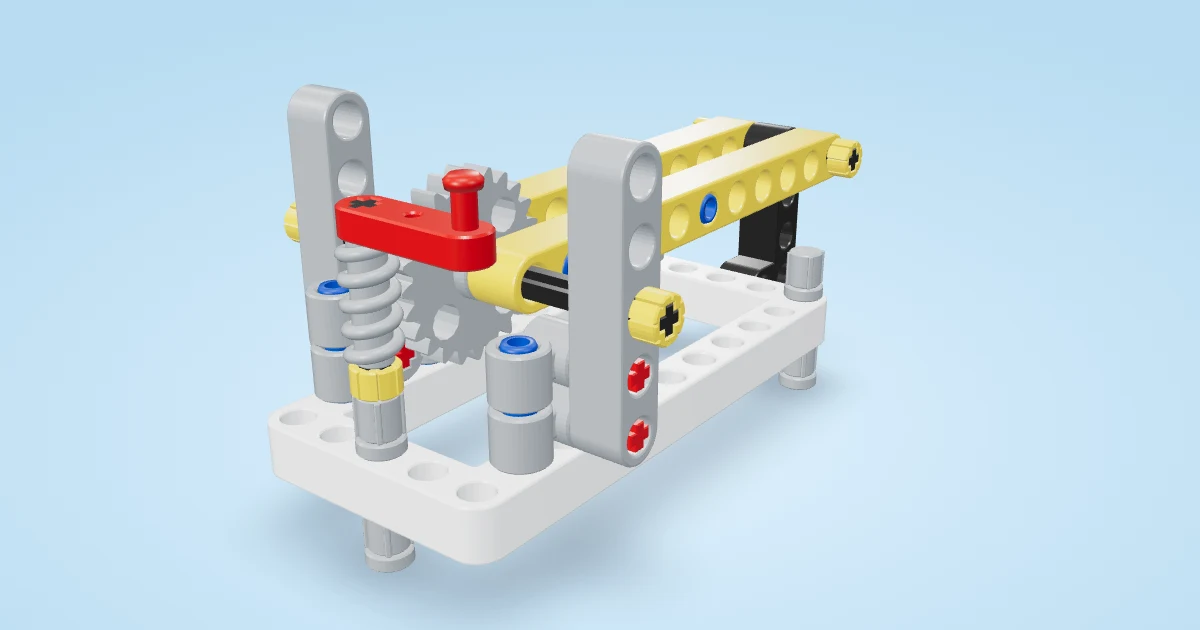
- Building confidence: level 2 and 3, 20 to 40 minutes. Steering Go-Kart and Worm-Gear Crane each teach one clear idea.
- Ready for more complexity: level 3 and 4, and longer projects across two sessions. Ackermann Soapbox and Bouncy Monster Truck have plenty to test and improve.
- A showcase finale: the Klann Walking Spider is a level 4 motorised build that always draws a crowd at the end of term.
If sessions are short, the quick builds list only has builds that take 20 minutes or less.
Plan your session
Try the planner below with your own numbers. Enter how many builders are coming, the session length and their experience. It makes teams of two or three, rotates the Builder, Finder and Tester roles, times the session and lists the builds from this guide that fit the build slot. You can add names and copy the plan into your notes.
Interactive: Building session planner. Enter the number of builders, the session length and their experience to get teams of two or three, rotating Builder, Finder and Tester roles, a timed plan and builds that fit.
Parts: the thing that makes or breaks a club
- Sort before the first session. Use a tackle box or an ice-cube tray per group: beams in one section, pins in another, axles in a third, gears in a fourth.
- Count the small parts back in. Pins and bushes vanish. A one-minute count at the end saves a lot of missing parts later.
- Check the parts list first. Every build page lists its parts before step 1. My parts shows every part with a picture, so new builders can match by shape.
- Keep one spare set of the tiny parts (pins, bushes, short axles) in a pot on the teacher's desk.
Printed booklets or screens?
Both work. A shared screen is great for the animated steps: the model turns so builders can see where each part goes. Printed booklets are better when there are more groups than screens, when the Wi-Fi is unreliable, or when you want screens off. Every build has a free PDF booklet on its own page.
Turning builds into lessons
A build becomes a lesson when there is a question and a fair test. The Blueprint Lab courses do this for you: three experience levels, Explorers (Foundation), Inventors (Intermediate) and Engineers (Advanced), each with story missions of six lessons, a Test Log, word cards, an exit ticket and a rubric. They are free and printable, and each lesson names the build it uses.
Interactive: Check yourself. A few quick questions on the ideas in this guide, each with an explanation.
- What does the Finder do?
- Why swap roles every session?
- In the 60-minute session, how long is the build?
- A group is new to building and has a 45-minute session. Which build fits best?
Keeping fast finishers busy
- Ask them to change one thing and test again (a bigger gear, a longer arm, more weight).
- Make them the group's tester for another team.
- Point them at the matching how it works page and ask them to explain the idea to the class in one sentence.